Brad is the parent of three school-aged kids and makes accounting software for a living. He tweets sporadically at @iambradhanks.
The old way of fundraising for schools is terrible and outdated.
I remember going door to door as a kid trying to raise money for my school. It was a devastating experience. I always screwed up the orders of my family and closest neighbors. Despite big promises of pizza parties and super soakers, I never won anything and after it was all said and done, I always felt a little exploited.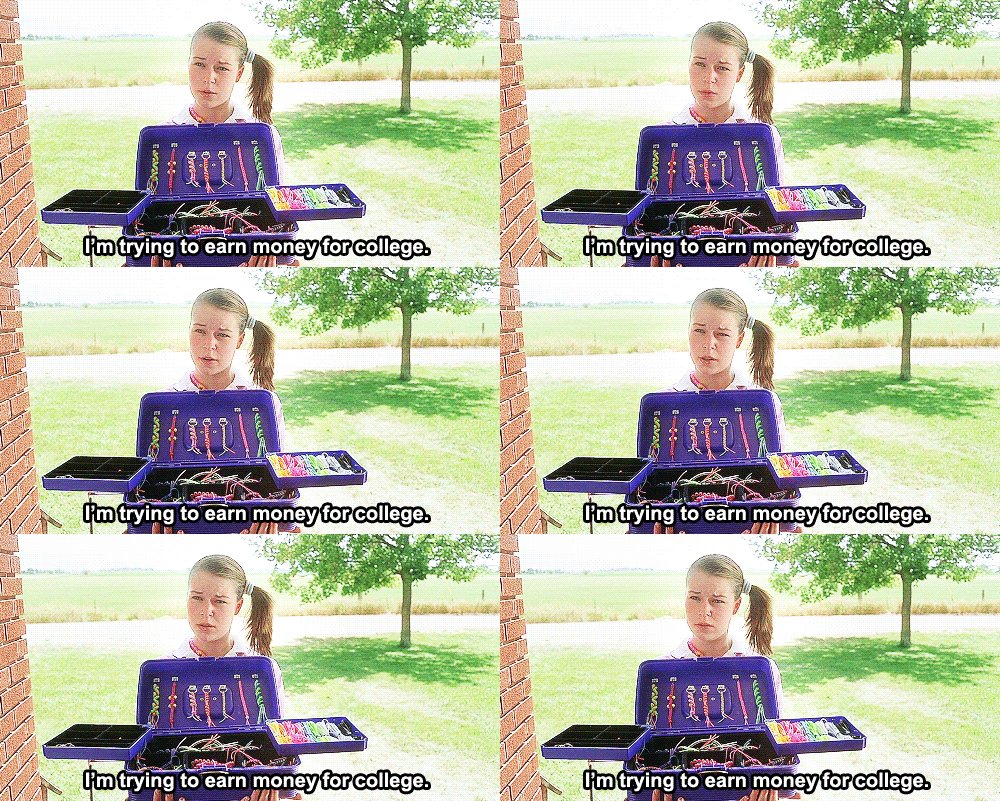
All across America, cute kids are going door to door selling buckets of cookie dough, wrapping paper and coupon books and only an insulting 30-40 percent of the money stays in the schools. Maybe you can relate to one mother’s dilemma. Amanda Morin writes on PopSugar, “I’m tired of the overpriced catalogs of items nobody really needs and I hate that I’m the one who ends up trying to sell the stuff. So much so, in fact, that I refuse to do them anymore.” When greedy wrapping paper companies and candle manufacturers pocket most the profit from those adorable smiles, you’ve got to know there’s just one thing to say.

ZipBooks might be the unexpected innovation needed to turn things around
Consider a simplistic, very lucrative system that we’d like to call “Just Ask.” Imagine kids going door to door gathering pledges and email addresses. As one CBS journalist wrote, “Popcorn, wrapping paper, cookie dough, pasta or candles. The school might get half of the sales. So a parent has to spend $23 for a Yankee Candle for the school to receive $11.50. Why not just write a check for $23 to the school?” Or better yet, the parent can donate $10 and not pay Yankee Candles a thing.The kids’ cute smiles and sincere desire to help their school are much more profitable anyway. And all teachers need to do is collect the email addresses. Then they can use an online invoicing system like ZipBooks to invoice donors. When you invoice donors, you still address the only problem cookie dough companies solved: you don’t want to have elementary kids handling cash.
There are a few pluses to this kind of approach:
- After the first year, no more door to door. They can put donors down for an “annual pledge.”
- No more need for an army of young children to implement the plan. A couple PTA teachers can follow up with donors every year via email.
- If the student records the wrong amount, the donor hasn’t been billed yet. They just see the invoice in their inbox and they can email the teacher about getting re-invoiced with the correct amount.
- All the money goes to the school.
- Donors can choose whether to give the same amount as they normally would with twice the impact or give half as much with the same benefit to the school.
- No one needs to pretend to be interested in cookies, wrapping paper, or coupon books.
- Your kids never experience the need to sell a bunch of stuff to win prizes.
- Parents can save their money. They are usually buying leftover cookie dough anyway.
- Filling out a ZipBooks invoice is as easy as writing out a check. Log in, enter the donor’s email and pledge, and hit “send.”
- ZipBooks keeps a record of everyone that pledged last year, so you don’t have to go door to door every year.
- With a ZipBooks account, you can setup recurring billing for a small amount every month so that people can pay more without feeling the pinch.
- ZipBooks is free.
Review the amount pledged to your school versus the amount you’ve received from the interactive graphs and charts on the main page.
Hopefully this helps eliminate that sick feeling that comes back every fundraising season. No more middlemen getting between those cute kids and their school. A plan like this will finally generate money for your school by allow neighbors to be openly generous with their pledges.
Happy fundraising and you’re welcome!